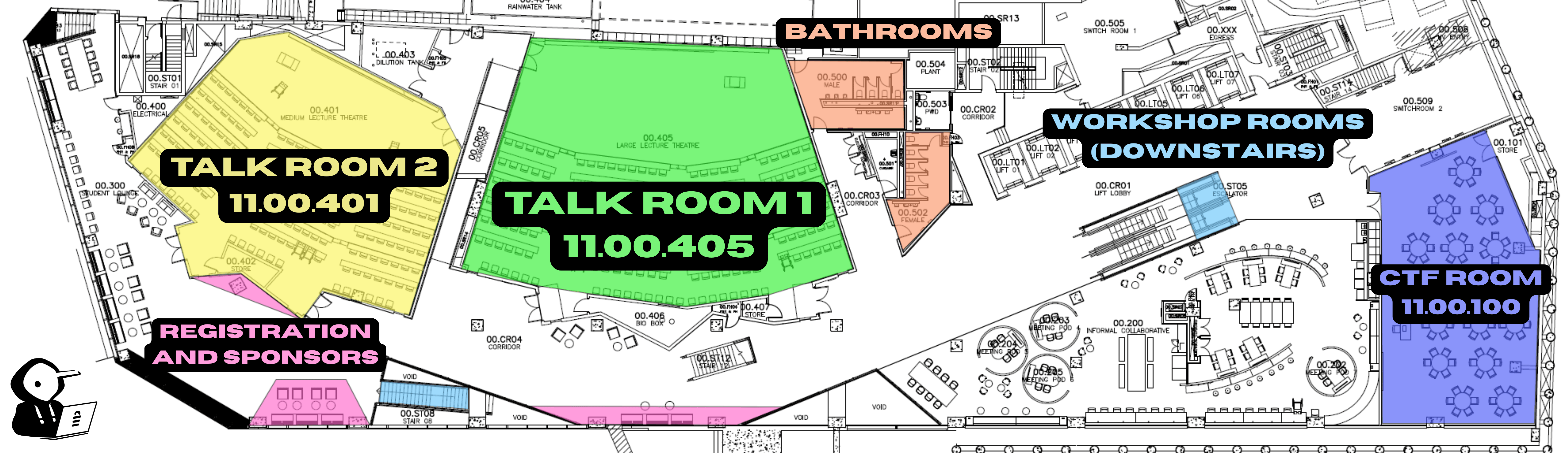
Guest WiFi Details
1. In your device’s Wi-Fi settings, connect to ‘UTS-Guest’ and wait for the captive portal to appear
2. Scroll down to ‘Attending a Conference or event? click here’.
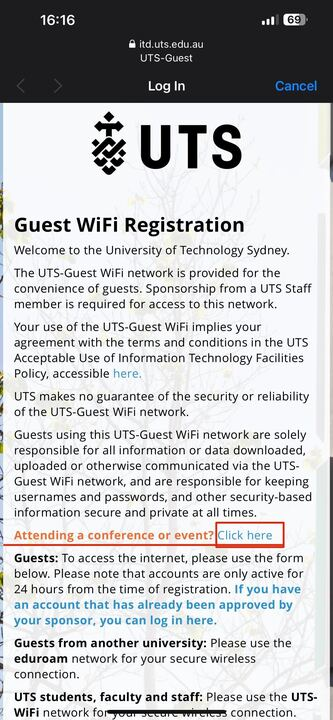
3. Click on the hyperlink and input access code CSECCon#25
4. Check the terms of use and click log in.